

This design systems case study explores how structured information design and Adobe InDesign can be used to simplify a complex, multi-step process into a clear, repeatable workflow. While the subject matter is miniature painting, the core challenge is universal: transforming fragmented, inconsistent information into an intuitive system that users can follow with confidence.
Beginners in miniature painting often struggle not because of a lack of ability, but because of a lack of process clarity. Most resources present techniques in isolation, requiring users to interpret what comes next, leading to inconsistent results and unnecessary frustration. From a design perspective, this is an information architecture problem, not a technical one.
This project was an exploration in solving that problem through clear visual systems, structured workflows, and thoughtful layout design, using Adobe InDesign as the primary tool.
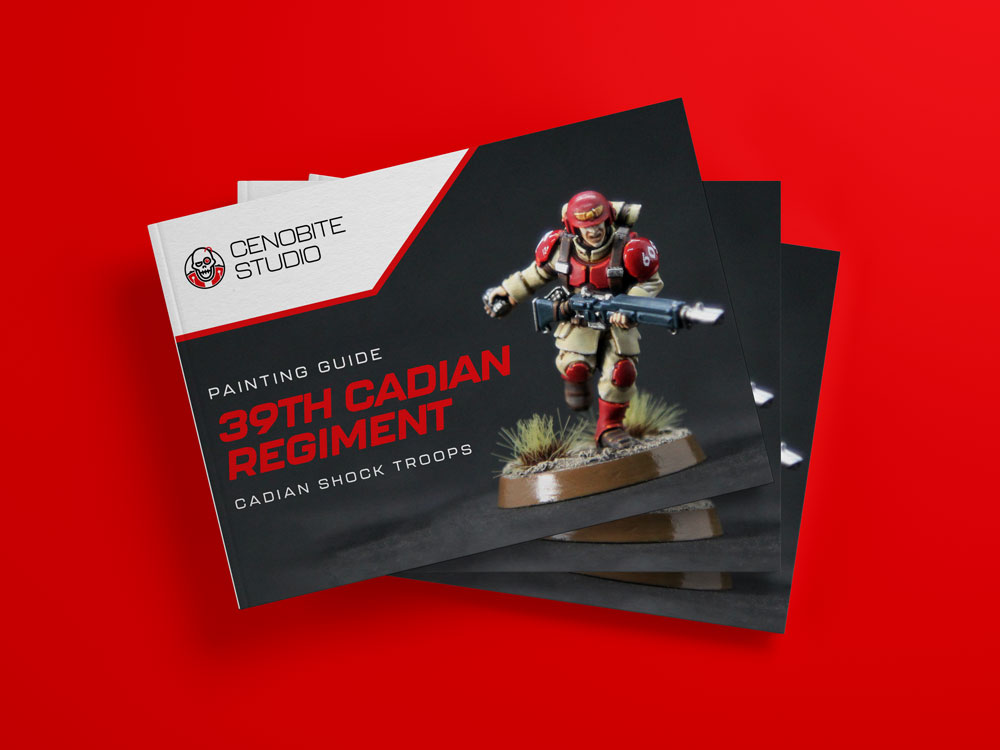
The Problem: A Lack of Process Clarity in Beginner Workflows
From a design perspective, the issue is not technical complexity, it’s information architecture.
Beginner painting resources typically:
- Present techniques in isolation
- Lack a defined start-to-finish workflow
- Require interpretation rather than execution
- Overload users with unstructured information
The goal of this project was to design a guide that removes ambiguity and replaces it with a repeatable, intuitive system.
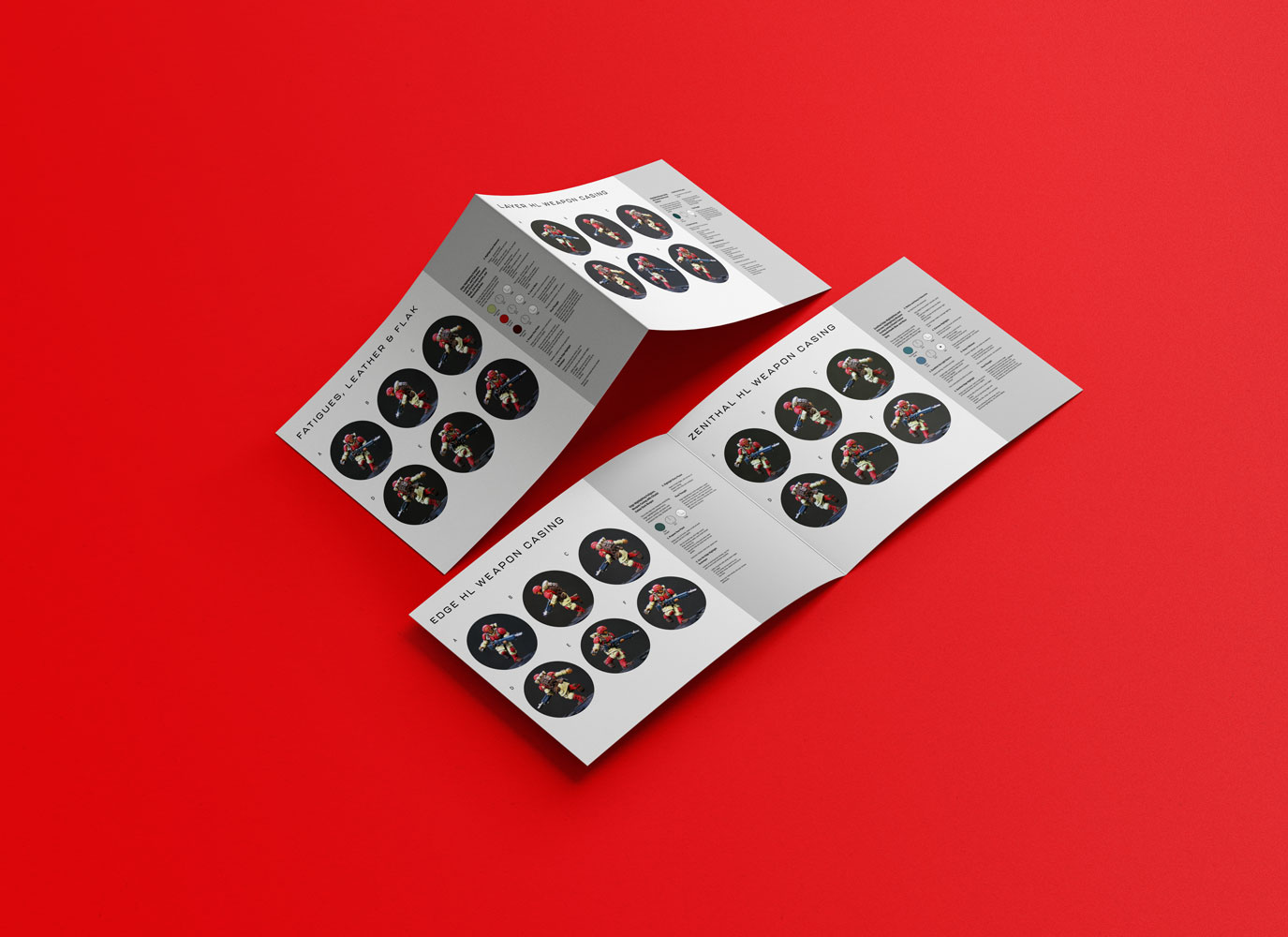
The Solution: Design Systems Case Study Approach
I developed a system that breaks miniature painting into a clearly defined sequence:
- Basecoat
- Wash
- Layer
- Edge Highlight
- Zenithal Highlight
- Extreme Highlight
Rather than presenting these as disconnected techniques, the guide organizes them into a linear, scannable framework that users can follow without needing to interpret the process.
This structure is reinforced visually across every page.
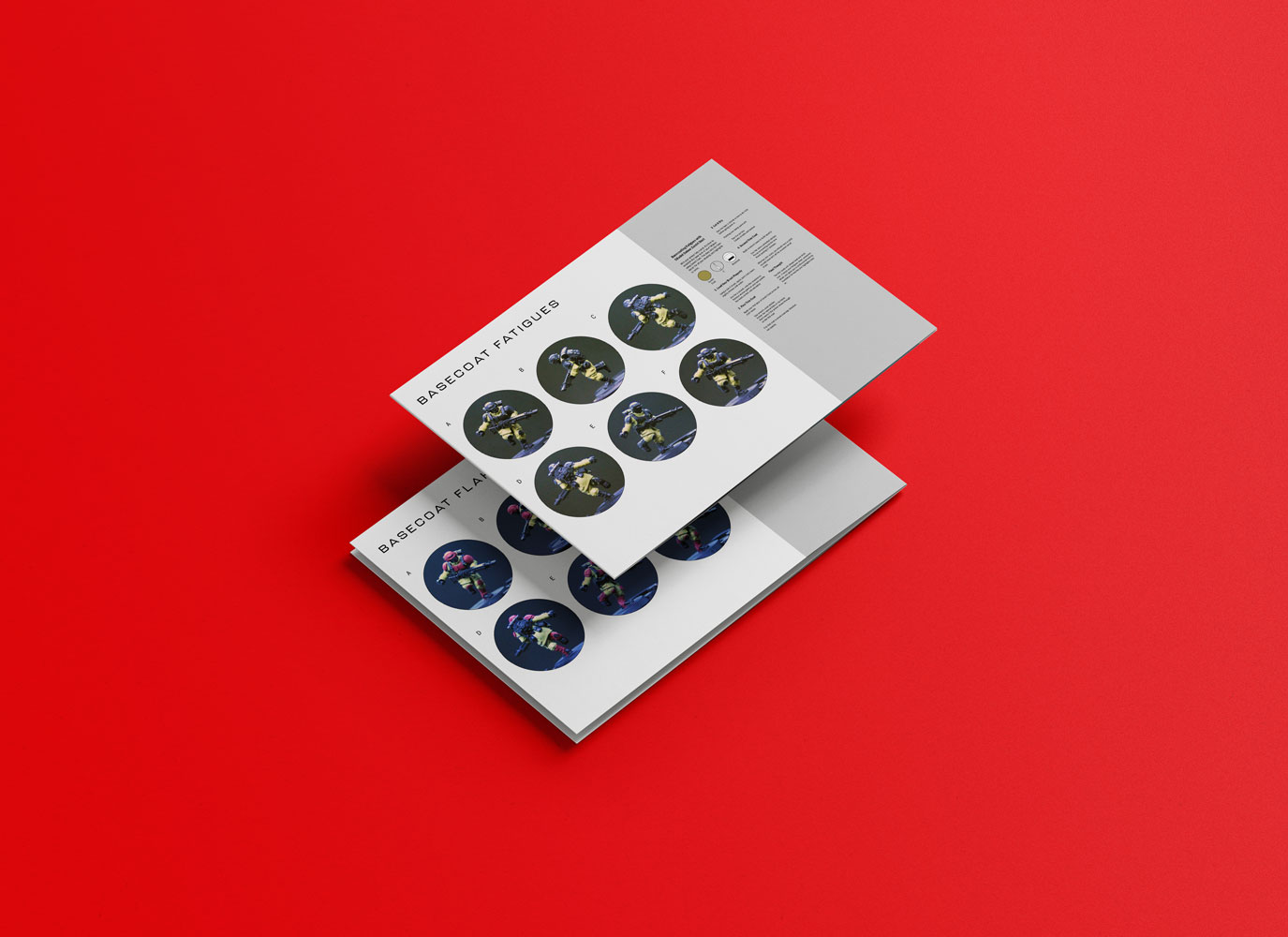
Structuring a Repeatable Workflow
The core design challenge was making the process instantly understandable at a glance.
To achieve this, I focused on:
1. Column-Based Material Mapping
Each material on the miniature (fatigues, armor, leather, skin, etc.) is assigned its own column, allowing users to isolate and follow specific workflows without confusion.
2. Row-Based Process Hierarchy
Each row represents a stage in the painting process, creating a consistent vertical progression across all materials.
This creates a grid system where:
- Horizontal = process stage
- Vertical = material type
The result is a dual-axis system that simplifies a complex workflow into something highly readable.
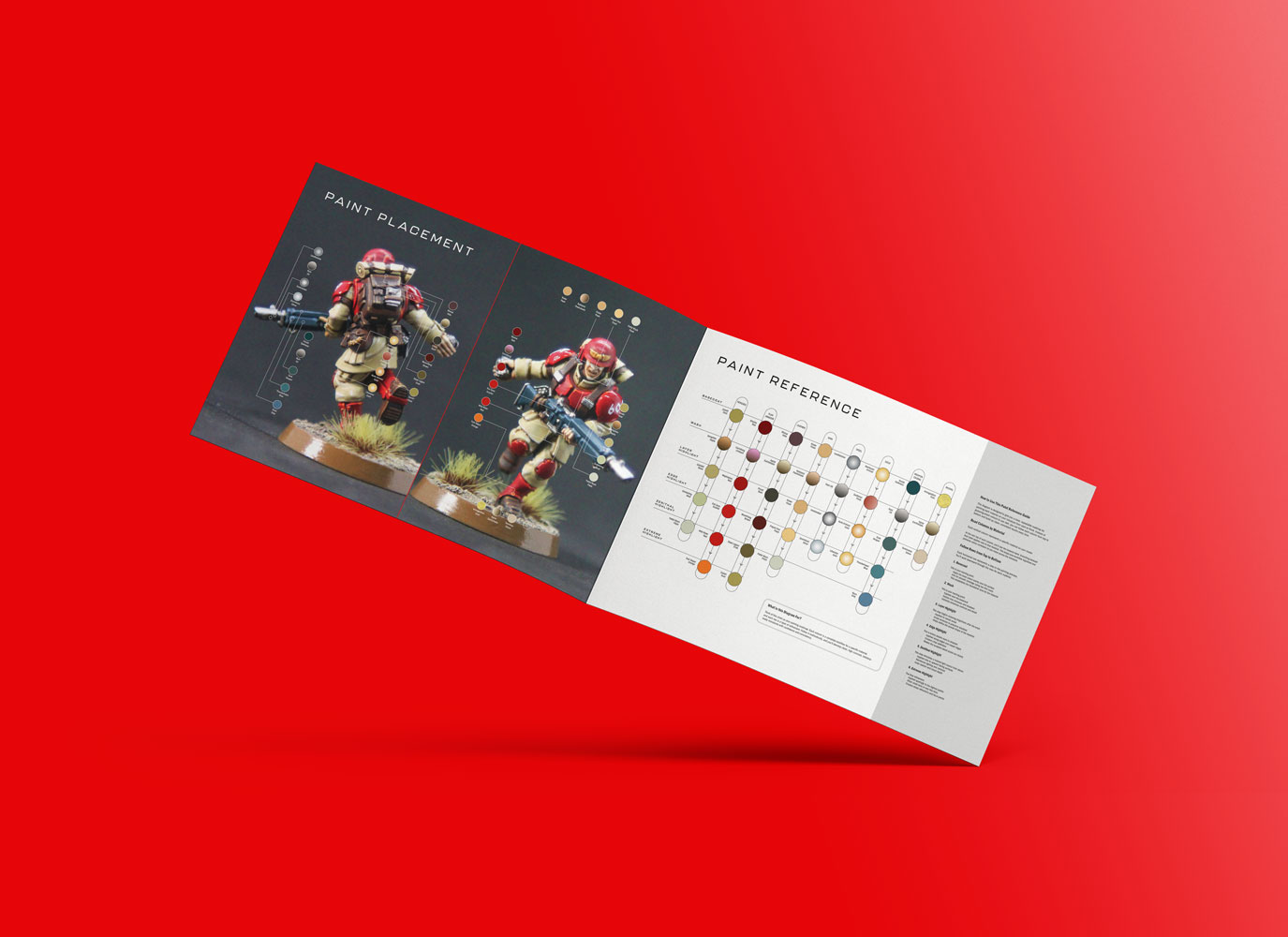
Visual Clarity & Cognitive Load
A key goal was reducing cognitive load.
This was achieved through:
- Consistent typography and spacing
- Minimal but purposeful use of color
- Repetition of layout patterns across spreads
- Clear visual hierarchy between steps
Instead of requiring users to “figure things out,” the design guides them through the process naturally.
Using Real Content as a Teaching Tool
The guide uses Astra Militarum: Cadian Shock Troops as a working example.
From a design standpoint, this serves two purposes:
- Grounds the system in a real-world application
- Provides visual continuity across steps
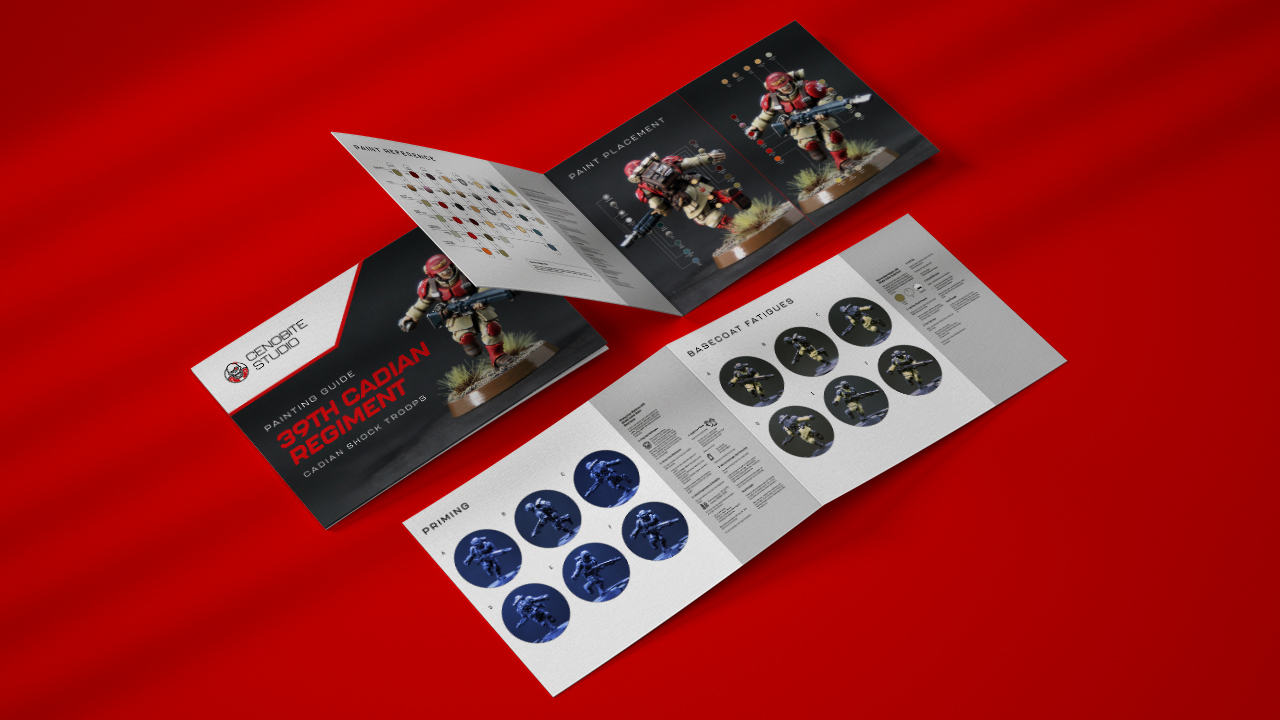
Each stage is supported with:
- Sequential imagery
- Annotated color placement
- Clear progression from start to finish
Adobe InDesign Execution
This project was built entirely in Adobe InDesign, with a focus on:
- Grid systems for consistent layout
- Master pages for repeatable structure
- Paragraph and character styles for typographic consistency
- Image handling and alignment for clean visual presentation
- Export optimization for digital distribution
The goal was not just to design a guide, but to create a scalable system that can be extended into future editions.
Designing for Scalability
One of the key considerations was ensuring the system could expand beyond a single guide.
By standardizing:
- Layout structure
- Process hierarchy
- Naming conventions
This framework can be reused for:
- Different factions
- Advanced technique guides
- Expanded painting systems
This turns a single deliverable into a repeatable product ecosystem.
Outcome
The final result is a 39-page digital guide that transforms a traditionally unstructured hobby process into a clear, system-driven experience.
More importantly, it demonstrates how:
- Complex workflows can be simplified through design
- Visual systems can reduce user friction
- Thoughtful layout can improve learning and execution
Final Thoughts
This project sits at the intersection of design systems, UX thinking, and visual communication.
While the subject matter is miniature painting, the underlying approach applies broadly:
- Structuring complex information
- Designing for clarity and usability
- Creating scalable, repeatable frameworks
👉 View the full guide here: https://cenobitestudio.gumroad.com/l/beginners-painting-astra-militarum